What Is SCA? Software Composition Analysis Explained
Published July 20, 2026 · 9 min read
Modern software is assembled more than it is written. The code your team authored is usually a thin layer on top of a mountain of open-source dependencies and operating-system packages. Software composition analysis — SCA — is how you find out what is in that mountain and which parts of it are known to be dangerous.
A working definition
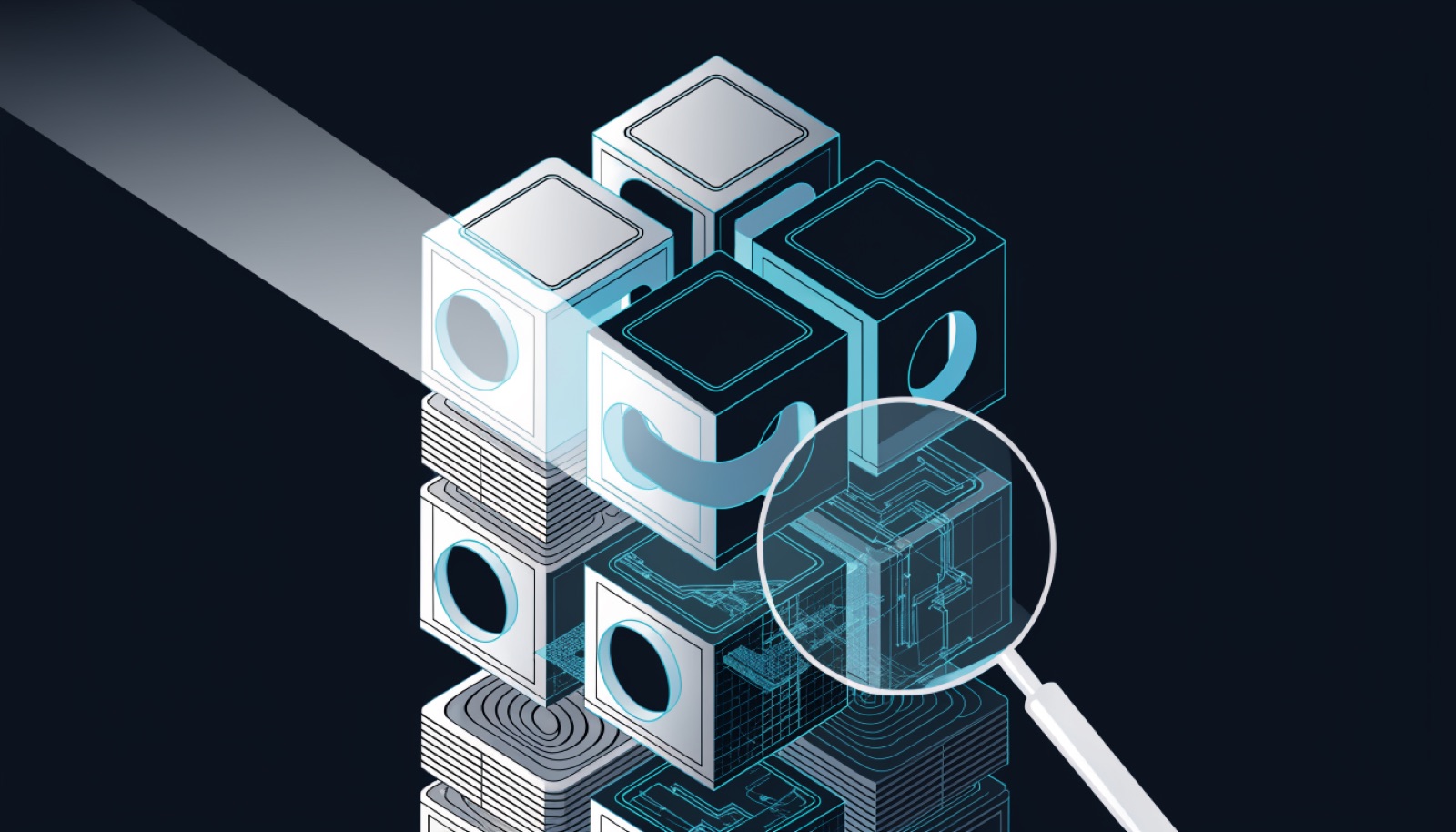
Software composition analysis is the practice of identifying the third-party and open-source components in a codebase or built artifact, then flagging known vulnerabilities and license obligations in those components. It answers two deceptively hard questions: what am I actually shipping, and which of those parts have published security or legal problems?
The emphasis is on known and third-party. SCA does not hunt for novel bugs in code you wrote; it matches the components you assembled against catalogues of already-disclosed issues. That focus is not a limitation so much as a specialization, because the third-party layer is where most real-world exposure actually lives.
Why SCA exists
The reason SCA became a category is simple arithmetic: a typical application is overwhelmingly made of code nobody on the team wrote. Between direct dependencies, the transitive dependencies those pull in, and the OS packages in a base image, the first-party code you actually maintain is often a small fraction of what ships. Every one of those inherited pieces can carry a vulnerability, and you did not choose most of them consciously.
Log4Shell made the abstract concrete. A critical flaw in a logging library that countless applications depended on — usually several layers deep, without anyone deciding to use it — turned into a global emergency precisely because so few teams could answer “are we running it, and where?” That question is the SCA question, and the broader supply-chain risk it exposed is why SCA moved from nice-to-have to baseline.
How SCA works, step by step
Under the hood, every SCA tool runs the same basic pipeline:
- Build a component inventory.The tool discovers what is present — by parsing manifests and lockfiles, reading package-manager databases, or analyzing binaries directly. Each component is identified by name, version, and ideally a precise coordinate like a package URL.
- Match against advisory databases. Each component and version is compared to vulnerability sources such as NVD, OSV, and GitHub Security Advisories. A match means that exact version has a published CVE.
- Check licenses.The same inventory is checked against license data to surface obligations and conflicts — copyleft terms, incompatible combinations, missing attributions.
- Report and prioritize. Findings are output as a list of CVEs and license issues, ideally ranked by severity and exploitability so you know what to fix first.
The quality of the whole thing hinges on the first two steps: how accurately the tool identifies components, and how many advisory sources it consults. Miss a component and you miss every CVE in it; consult one database instead of several and you inherit that database's blind spots.
Two flavors: manifest vs installed-state
SCA tools split roughly into two camps by how they build the inventory. The distinction matters more than it sounds:
- Manifest-based. The tool reads declared dependencies from lockfiles (
package-lock.json,go.sum, and so on). This is fast and precise for what is declared, but it trusts the manifest to reflect reality — and vendored, bundled, or hand-copied dependencies do not show up. - Installed-state / binary.The tool reads what is actually present in the built artifact — the real package databases in a container image, the libraries linked into a binary, the JARs nested inside other JARs. It catches the dependencies a manifest never mentions, which is exactly where things like a shaded Log4j copy hide.
The tradeoff is coverage versus convenience, and we make the case for reading real installed state in installed-state vs advisory matching. For a shipped container, what is on disk is the truth; what a manifest claims is a best guess.
SCA is not just about CVEs
License compliance is the quiet other half of SCA. The same component inventory that feeds vulnerability matching also feeds license analysis — and a copyleft obligation you missed or an incompatible license combination can be as expensive as a security bug, just on a different timeline. Teams that adopt SCA for security often find the license reporting becomes just as load-bearing; our open-source license compliance guide covers that side in depth.
The inventory itself is valuable as an artifact. Most SCA tools emit a software bill of materials (SBOM) as a byproduct, and that SBOM can be re-checked against advisory data later — so when a new CVE lands tomorrow, you can answer “are we affected?” without re-scanning everything.
The limits worth knowing
SCA is powerful within its lane, and misunderstanding the lane leads to false confidence:
- Known-only.SCA finds catalogued vulnerabilities. A zero-day in a dependency is invisible until it is disclosed — then SCA finds it immediately.
- Database-bound. Coverage is only as good as the advisory sources consulted. Different databases know about different CVEs, which is why source coverage is the single biggest quality lever.
- Reachability blindness.A CVE in a dependency you never call is real but not exploitable. SCA flags the presence of the flaw, not whether your code path reaches it — which is what VEX data and reachability analysis try to resolve.
- Not a code scanner. SCA will not find a fresh injection bug in your own controllers. That is the job of static analysis and testing, and SCA complements rather than replaces them.
How ScanRook does SCA
ScanRook is an SCA scanner built around the installed-state approach, aimed at built artifacts: container images, binaries, ISO images, and source archives. It reads the real package databases and unpacks nested archives to build an inventory of what is genuinely present, then matches every component against OSV, NVD, and Red Hat OVAL in parallel. Because different databases surface different advisories, querying several at once is how it avoids the single-source blind spots that shrink a scan's finding count. Each finding carries the source it came from and a confidence tier, and the same inventory backs the SBOM output — so the composition analysis and the audit artifact stay in sync.
Frequently asked questions
What does SCA stand for?
Software composition analysis — analyzing the composition of your software, meaning the third-party and open-source parts it is built from.
Is container scanning a form of SCA?
Yes. Scanning a container image for known vulnerabilities in its OS packages and libraries is SCA applied to a built artifact rather than a source tree.
Does SCA replace SAST or DAST?
No. SCA covers third-party components; SAST covers your own code and DAST covers runtime behavior. A complete program runs all three because they see different risk.
Do I need an SBOM to run SCA?
No — the tool builds its own inventory. But SCA usually produces an SBOM as output, which you can store and re-check against new advisories over time.
Run SCA on what you actually ship
The components in a shipped container rarely match the manifest that built it. ScanRook reads the real installed state of your images, binaries, and archives and matches every component against OSV, NVD, and vendor advisory data — known CVEs and licenses, with a confidence tier on each finding and an SBOM out the other side.